Legal radar alerts
Warned on the way in, confirmed on the way out.
Speedix alerts you as you approach danger zones, incidents and reports from other drivers, on top of your usual GPS.
A free app with no ads and no account to create, and 100% legal: Speedix announces zones, never an exact location.

In short
How Speedix works
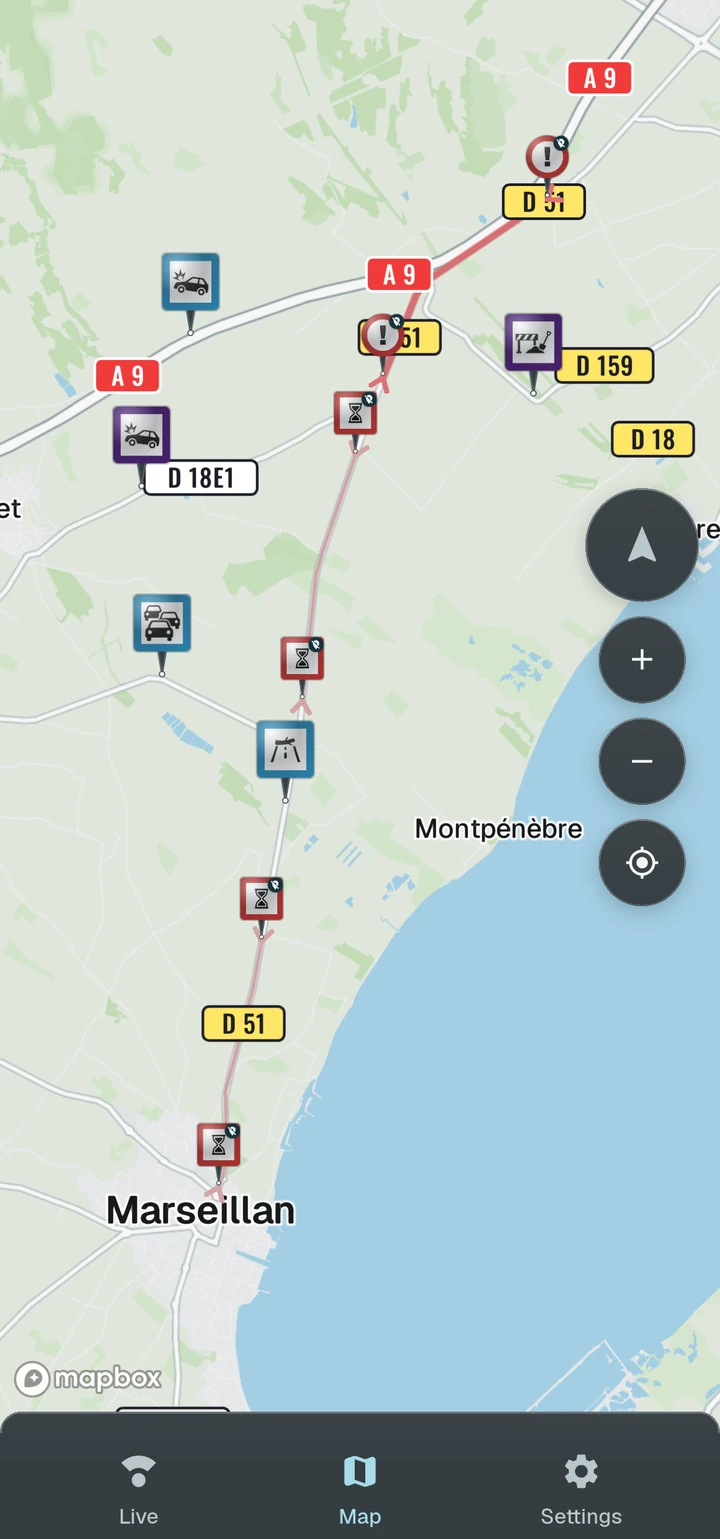
Speedix stays with you during the journey and warns you about what lies ahead. The information it provides falls into three distinct families:
-
 Danger zones
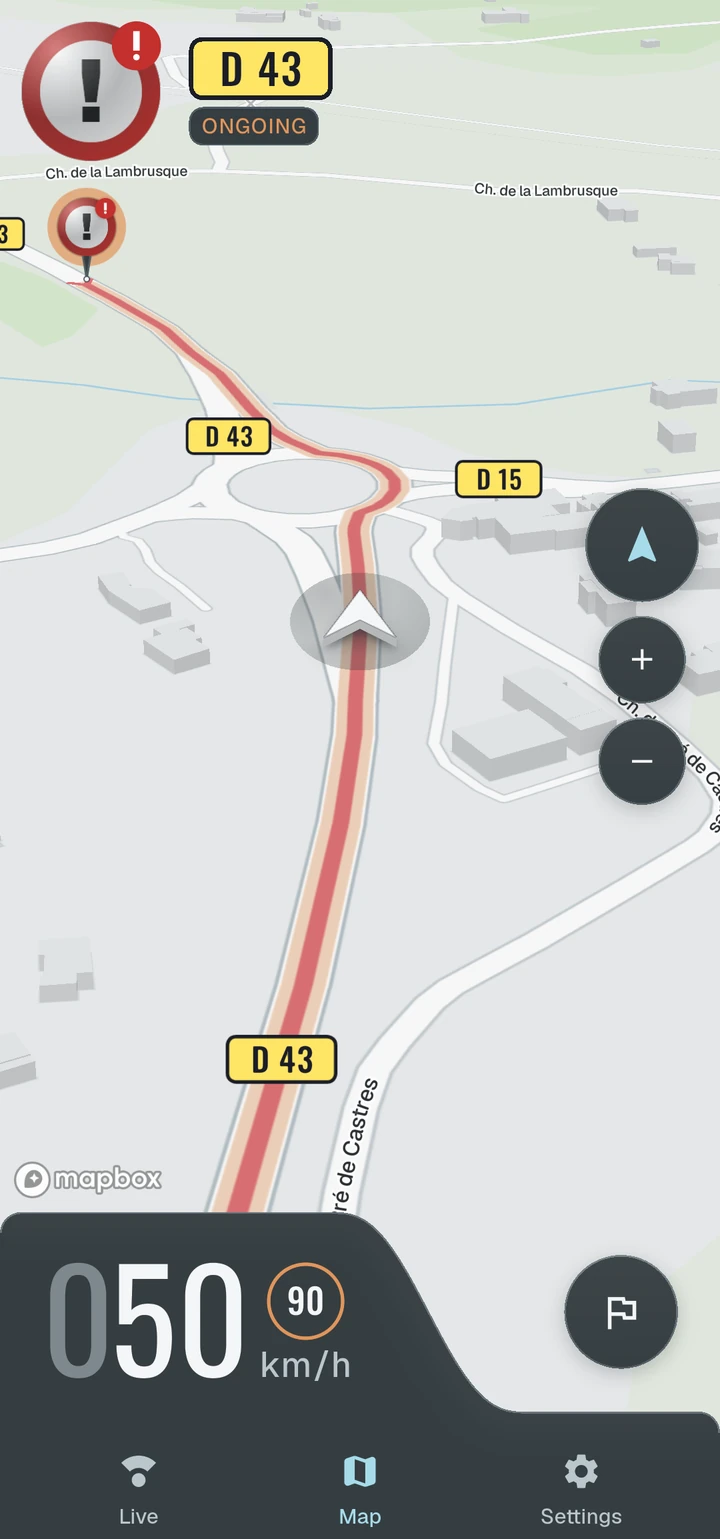
Stretches of road calling for vigilance (may contain an enforcement device)
-
 Incidents
Events affecting traffic
-
 Reports
Alerts sent by other drivers
Each piece of information is announced on approach, by voice or sound signal.
Alerts can be configured according to your preferences: male or female voice, beep only or both, and they can be played through the vehicle's Bluetooth hands-free system.
Danger zones
A zone protects better than a point
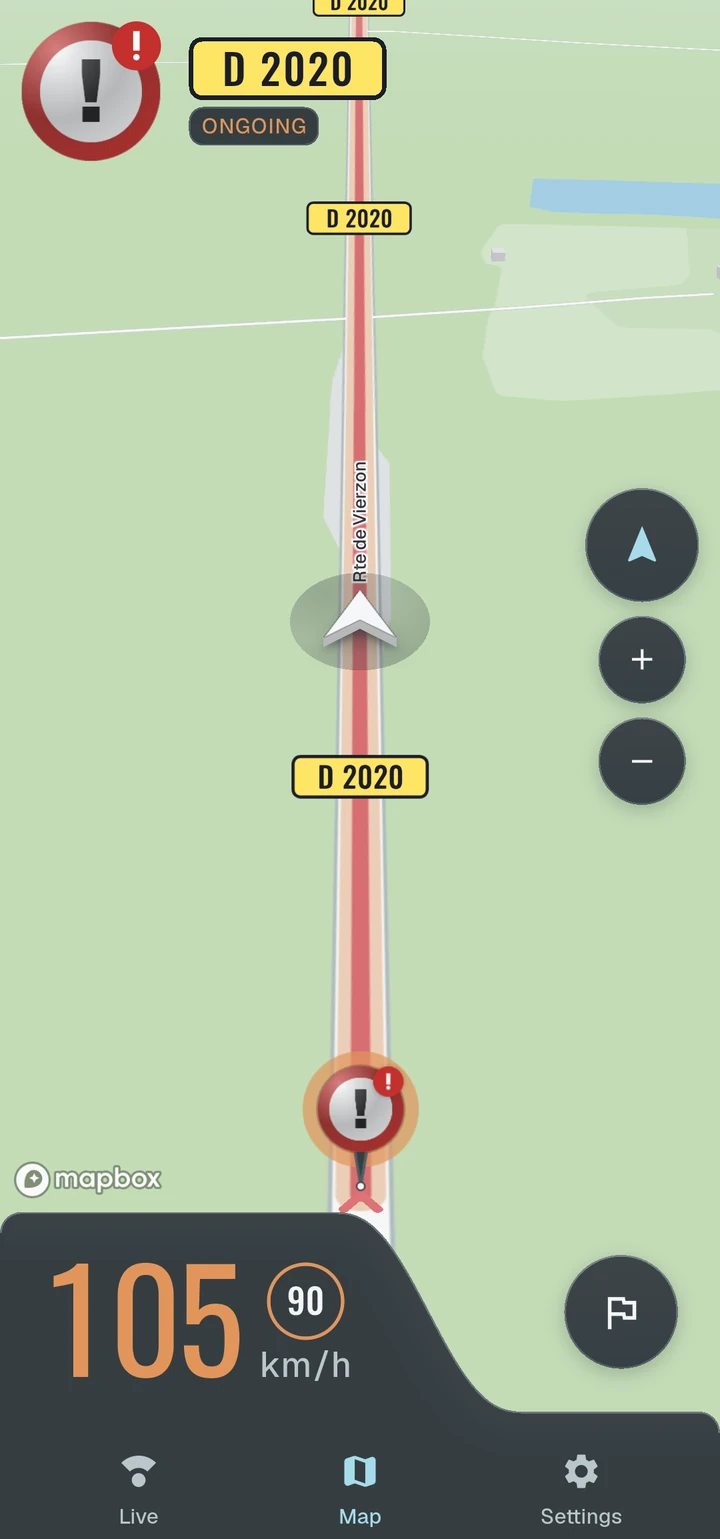
Speedix does not flag points, it flags extended stretches of road. You are warned early enough to adjust your speed once, with no last-second braking, then a second alert confirms you have left the zone. On zones that can run for kilometres, knowing where they end matters as much as knowing where they begin.
Four categories cover the entire road network:
-
 Danger zone
Zone that may contain an enforcement device (speed or traffic light check)
-
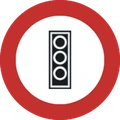 Traffic light junctions
-
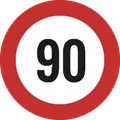 Speed checks
-
 Average speed checks
-
-
 Carpool lane
Lanes with restricted access
-
 Dangerous level crossing
Accident-prone railway crossings
-
 Risk zone
Road hazard area with a possibility of containing a temporary speed check
Zones rest on two crossed origins: the open data published on data.gouv.fr, and what drivers observe. The public inventory provides the backbone, every device in it carrying an official number. Drivers report what no file holds, starting with risk zones.
Speedix never shows the exact location of an enforcement device: each zone is an extended trace that follows the road, as French law requires. The details are on our compliance page.
Incidents
Traffic in real time
Speedix continuously receives the events affecting traffic along your journey.
-
 Accident
-
 Stationary vehicle
-
 Road hazard
Incidents clear themselves as soon as they are no longer current.
Reports
Reports verified by drivers
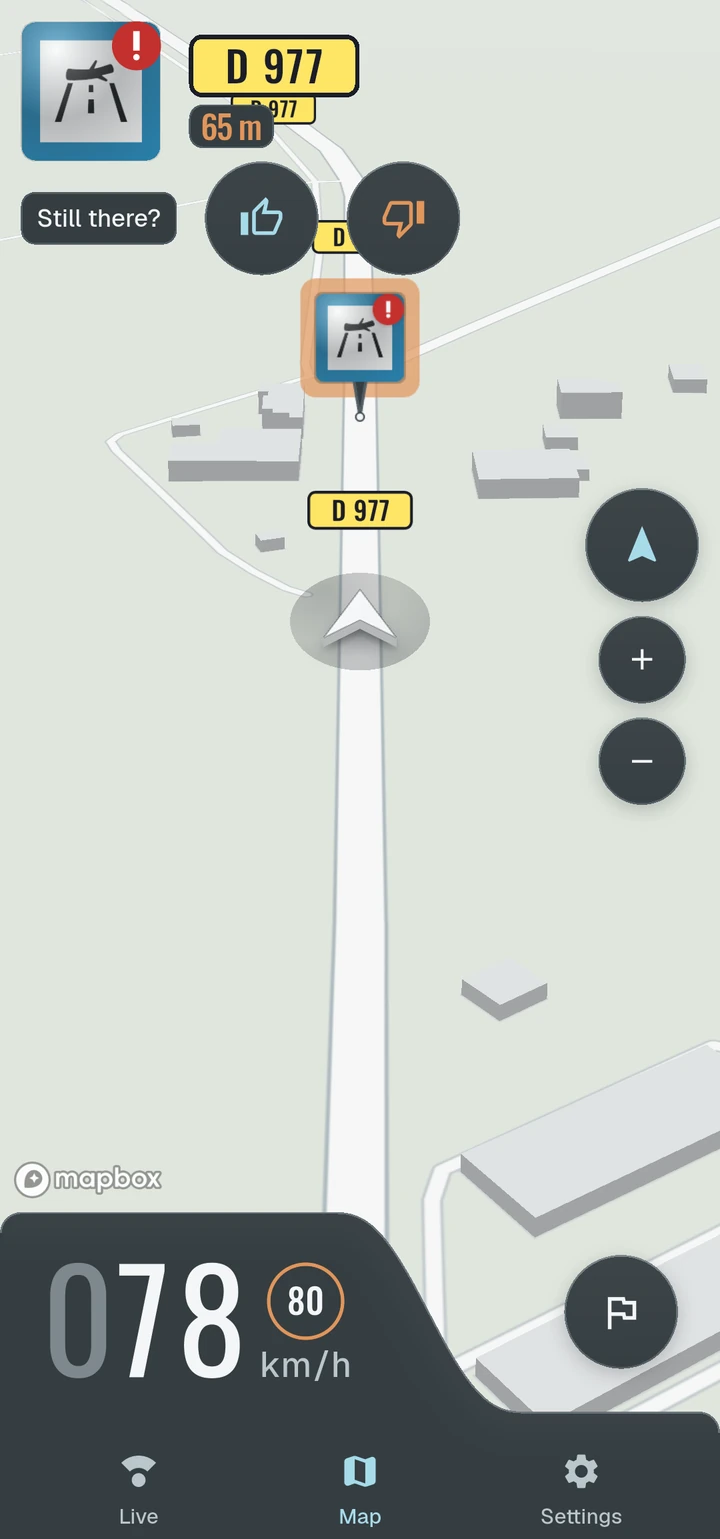
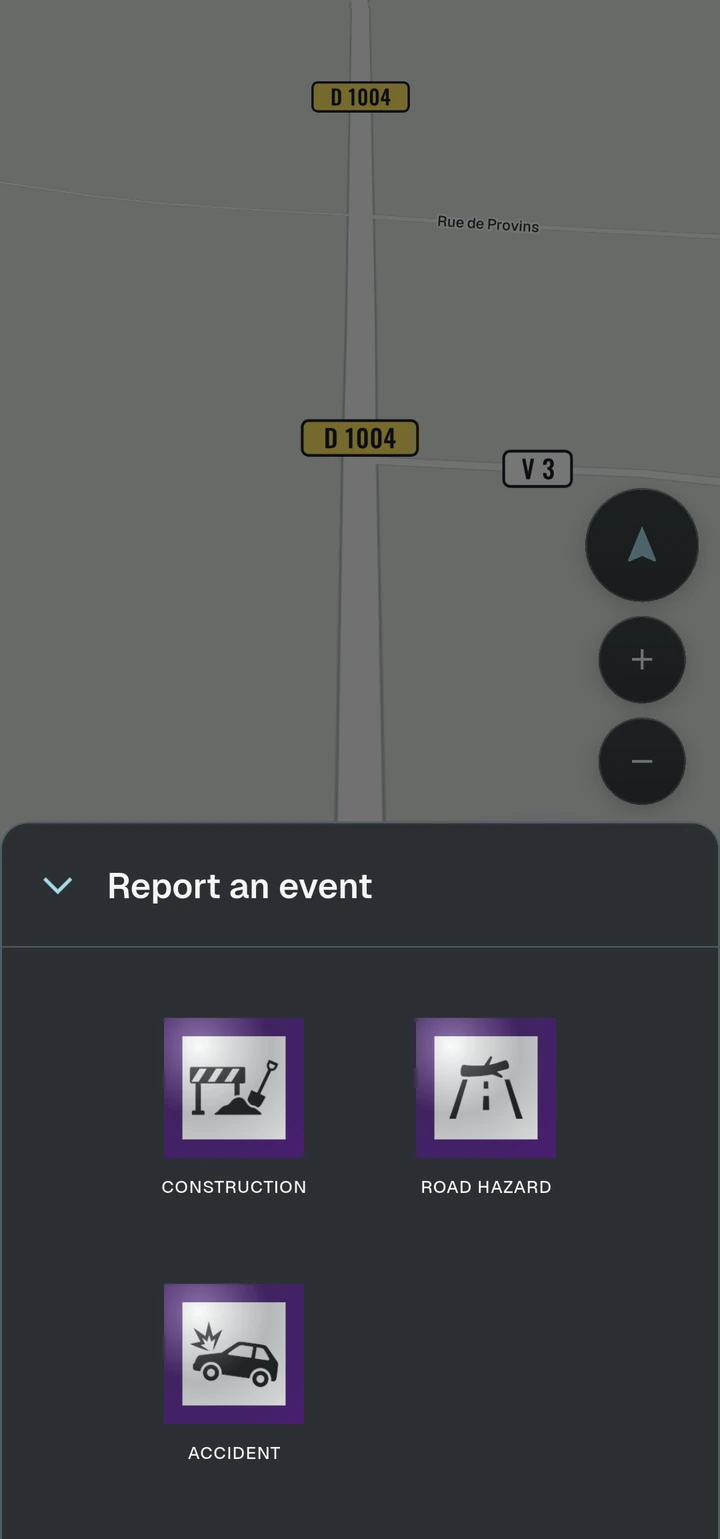
Any driver can report roadworks, a hazard on the road or an accident with a single tap, to warn those following behind.
-
 Roadworks
-
 Road hazard
-
 Accident
Speedix then asks the drivers behind you whether the event is still there, and weights every report by the reliability of its author. The information stays current without anyone maintaining it.
Reliability
Alerts verified against your road
Before warning you, Speedix checks that the zone, incident or report really is on your road, and not on the opposite carriageway or the bridge you are crossing. Most false alerts disappear.
360° radar
What's around you, and how far
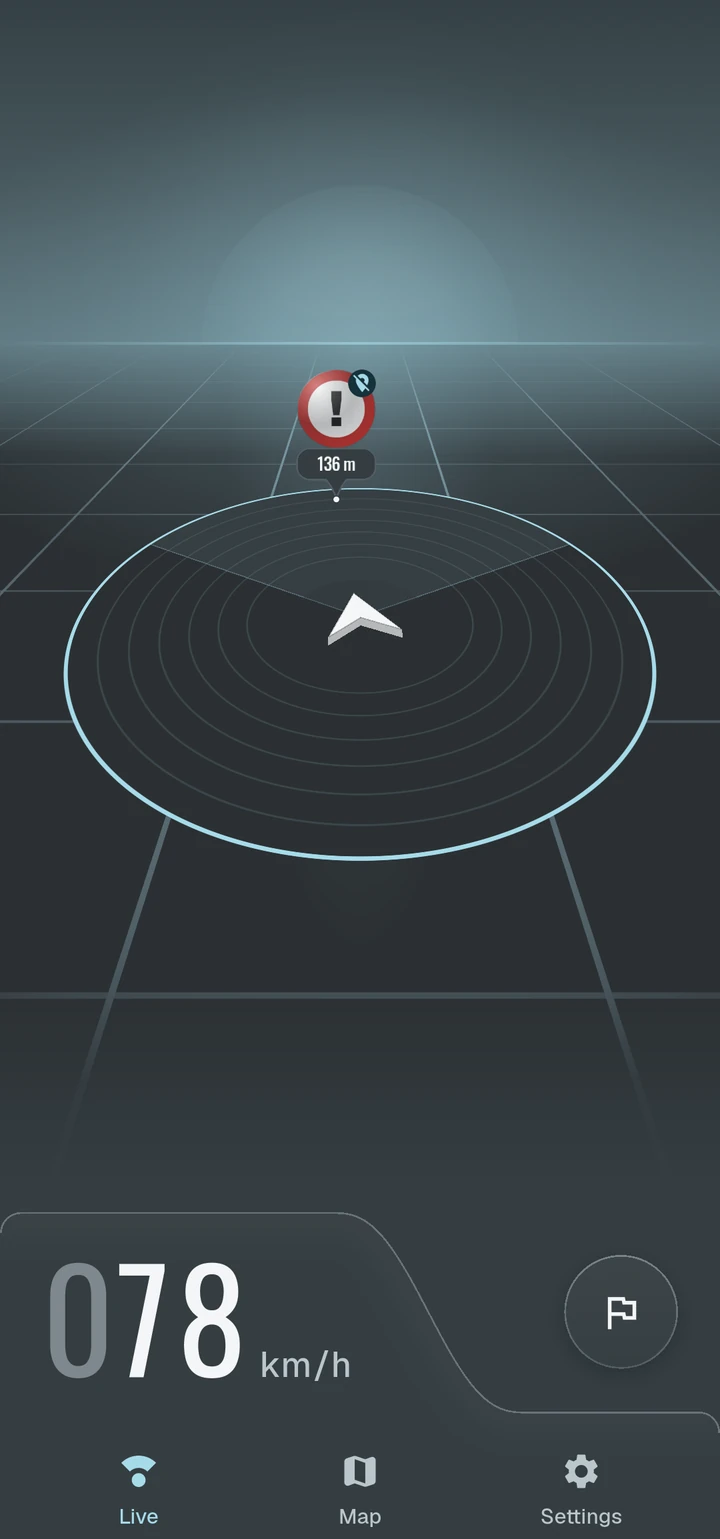
The radar screen gathers the danger zones, incidents and reports around your vehicle on a single view, each with its distance and direction. One glance shows what is approaching.
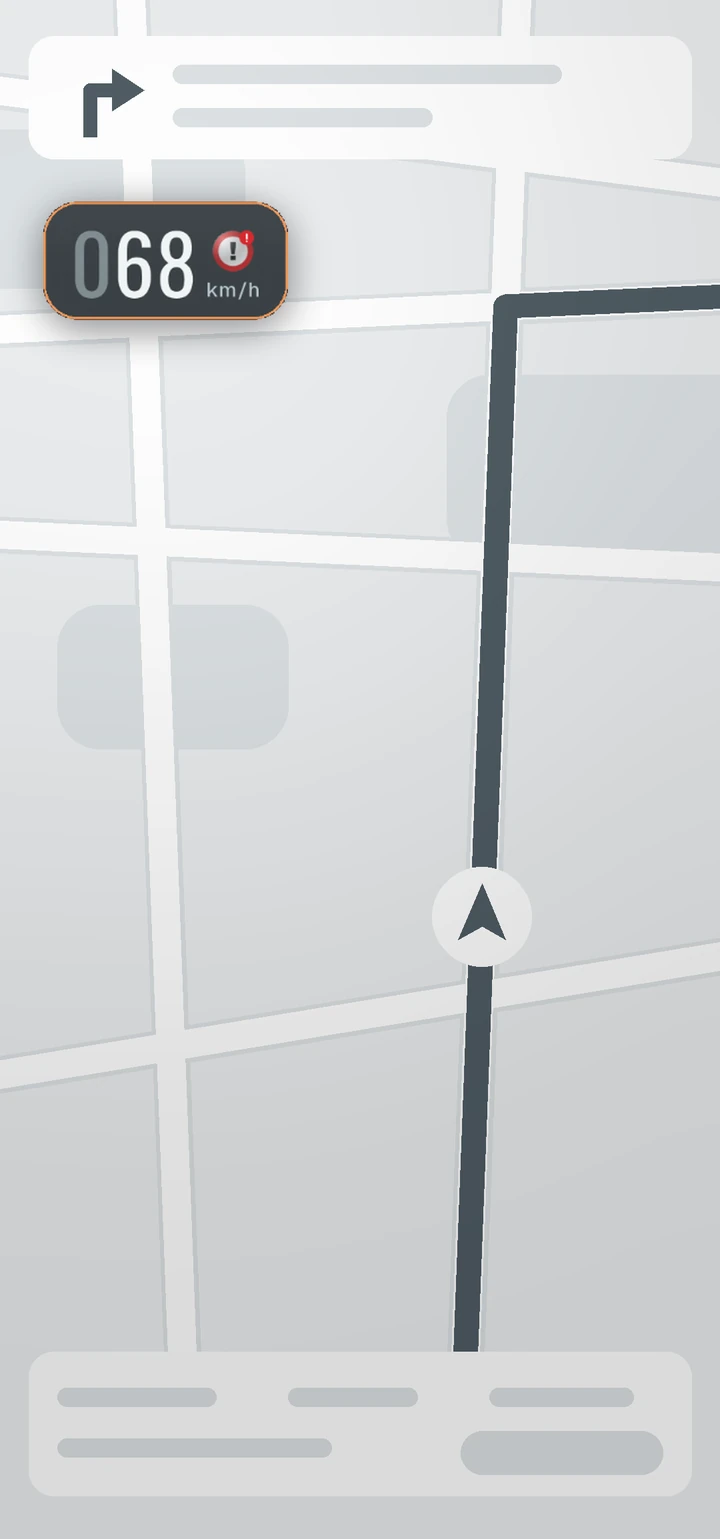
The speedometer stays on screen. When an alert carries a speed limit, it appears next to the speedometer, with a warning if you exceed it.
Floating window
Your alerts on top of your GPS
On Android, Speedix can sit on top of your navigation app as a small floating window. The zone or incident coming up stays visible without leaving your route.
The window moves freely on screen and can be turned on or off at any time from the settings.
Driving with Google Maps? The steps are on the page Your alerts on top of Google Maps.
During the drive
Screen off, alerts still on
Speedix keeps working in the background during your journey. You can use your usual navigation app in the foreground or lock your phone: voice announcements will reach you as normal.
If the GPS signal drops, you are told when it goes, then again when it returns.
In a tunnel, GPS disappears, and most driving assistants with it. Speedix then checks its on-device database and warns you offline about the zones you cross.
On Android, a battery optimisation exemption can be granted so the system does not interrupt the service on some phones.
Alerts
Alerts, your way
You choose how Speedix warns you, and about what. Every setting can be changed at any time from the app.
-
Entry and exit alerts
Each one is adjustable, and the exit alert can be turned off.
-
Voice or sound signal
Spoken message, beep or both, male or female voice.
-
Speed alert
A continuous alarm while you exceed the limit inside a zone.
-
Filters by type
Unchecked types are neither shown nor announced.
-
Bluetooth hands-free
Played like a phone call: the car stereo switches over by itself.
Privacy
Respectful of your privacy
Speedix requires no account and no email address, and sells no data. The app is developed and hosted in France.
Viewing or deleting your data takes a single tap, from inside the app.
Getting started
On the road in three steps
-
1Download the app
Install Speedix from Google Play, with no account to create.
-
2Grant permissions
Allow location access, including in the background, to be warned throughout the journey.
-
3Hit the road
Speedix automatically warns you about what lies ahead.